
Display Screen Equipment (DSE)
-
 25 Minutes
 -
 For all staff
-
 UK
UK
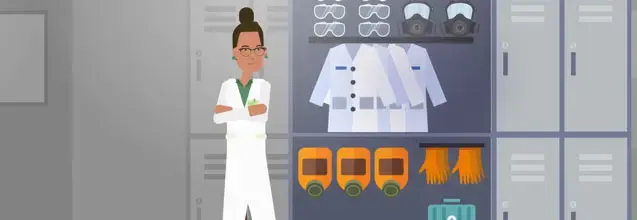
This 25-minute course covers the controls the company has in place for display screen equipment and how staff can prevent ill health if they use screens regularly. It helps them appreciate the risks of prolonged DSE use and understand that those risks extend to agile working arrangements and all the devices people now work from, not only a fixed office desk.
Homeworking and hybrid arrangements moved DSE risk into environments no employer has assessed, and the duty did not move with it. Discomfort accumulates before anyone raises it. Training staff to set up and adjust their own workstation, wherever it is, is the only practical control at scale, and it supports your obligations under the DSE Regulations.
-ID.webp?width=800&name=210788251877_204234893_Display%20Screen%20Equipment%20(DSE)-ID.webp)
What you’ll learn in
this course
- Appreciate the risks associated with prolonged use of Display Screen Equipment (DSE)
- Understand that the risks posed by DSE extend to agile ways of working and all devices that make up your workstation
- Identify the measures our Company has put in place to control the risks posed by DSE
- Recognise the steps you can take to manage the risks of using DSE at work
- Take appropriate action to prevent ill health when using DSE
Hear from our customers
Feefo Customer Rating ★★★★★ 4.9/5


Managing Safely Compliance E-Learning for Managers
Enforcement action tends to land where supervision was weak rather than where policy was missing. A manager who has never been shown how to run a risk assessment will not produce a useful one. Training your management layer separately from general staff awareness is what gives a health and safety programme its teeth, and it is a distinction the HSE recognises.



First Aid Awareness
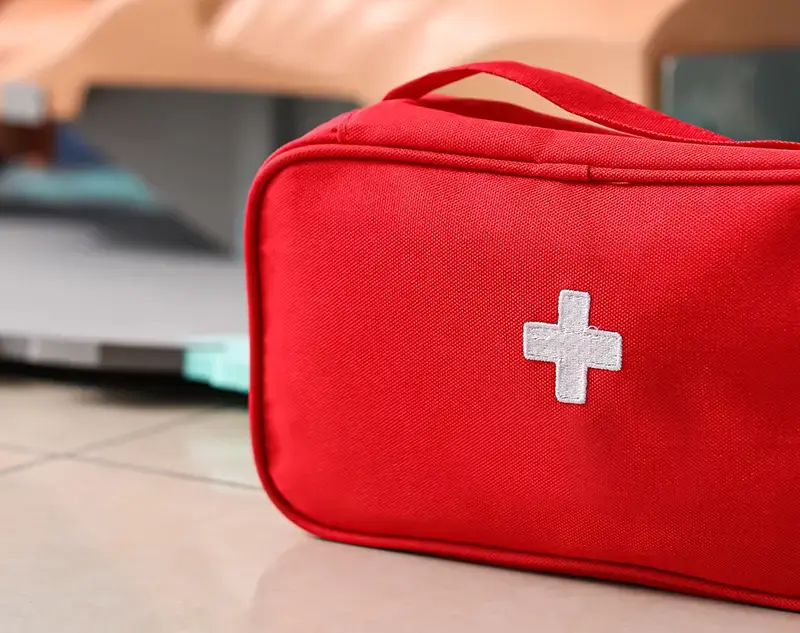
Most people freeze in the first minute of an incident because they do not know who to call or what they are permitted to do. That minute matters. Making first aid arrangements visible to everyone, rather than known only to the appointed first aiders, is a low-cost improvement that supports your wider health and safety duties under the Health and Safety at Work Act.

Working at Height
Falls from height remain the leading cause of workplace fatalities in the UK, and the majority occur at low heights during short tasks. The regulations require work at height to be avoided where reasonably practicable, which is a planning decision rather than a technique. Training staff to make that judgement gives your risk assessments effect where the work actually happens.

Ladders and Stepladders
Falls from ladders remain a persistent source of serious workplace injury, and almost all of them follow a short task that seemed too small to plan. The equipment is not usually the problem; the decision to use it is. Training staff on the judgement rather than only the technique is what reduces incidents, and it strengthens your position under the Work at Height Regulations.
Fire Warden Training
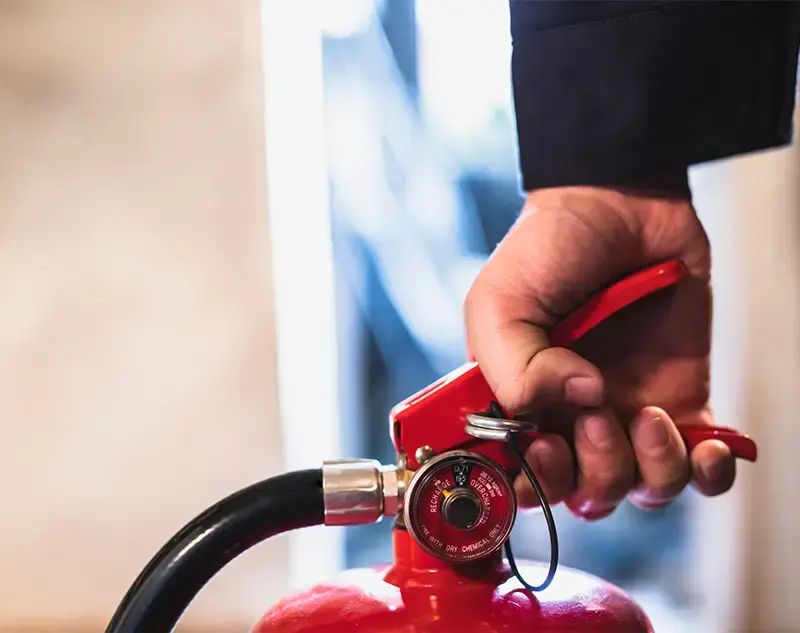
Fire wardens are appointed and then frequently left to work out the role themselves, which becomes obvious during a real evacuation rather than a drill. Sweeping procedures, assisting people who need help and accounting for visitors all need to be understood in advance. Training your wardens properly is a specific legal expectation under fire safety legislation, and it is the part of the plan most often untested.

Accident Reporting and Investigation
Investigations that stop at immediate cause produce the same accident again six months later with a different name attached. The latent failures behind an incident are usually organisational: workload, training gaps, equipment decisions. Building genuine investigation capability turns your accident data into something that prevents harm, and gives you a credible record if the HSE takes an interest.

Work-related Stress
Stress is the largest single cause of long-term sickness absence in the UK, and the HSE treats it as a workplace hazard requiring assessment like any other. It is also the risk staff are least likely to report until they are already unwell. Training the workforce makes the subject discussable, which is the only route to intervening before absence becomes the first indicator.

Violence and Aggression
Verbal abuse and threatening behaviour are widely under-reported because staff treat them as part of the job, which means the pattern never reaches the people who could change the arrangements. Employers carry a clear duty here. Training staff on both handling and reporting gives your organisation the data it needs and gives individuals permission to walk away.

Lone Working
Lone workers are more widespread than most organisations realise: home workers, staff visiting customers, early and late shift workers and anyone in a building outside normal hours. Standard risk assessments assume someone else is nearby. Making lone working visible as a category is the first step to managing it, and it protects people whose situation would otherwise go unassessed.

Asbestos
Asbestos remains present in a large proportion of buildings constructed before 2000, and disturbance during maintenance is the most common cause of exposure. The disease appears decades later. Anyone whose work could disturb building fabric needs awareness training as a legal requirement, and it is one of the clearest cases where training prevents harm nobody would otherwise see coming.
-ID.webp?)
Display Screen Equipment (DSE)
Homeworking and hybrid arrangements moved DSE risk into environments no employer has assessed, and the duty did not move with it. Discomfort accumulates before anyone raises it. Training staff to set up and adjust their own workstation, wherever it is, is the only practical control at scale, and it supports your obligations under the DSE Regulations.

Hot Weather at Work
UK workplaces are built for cold, not heat, and there is no upper legal temperature limit to fall back on. That leaves the duty resting on risk assessment and on staff recognising trouble early, particularly those working outdoors, doing physical work or wearing PPE. Heatwaves are arriving more often, which makes this a recurring exposure rather than an occasional one.

Legionella
Legionnaires' disease is serious and sometimes fatal, and outbreaks are traced back to water systems that were managed on paper rather than in practice. Low-use outlets, temperature drift and stagnant sections are the usual causes. Buildings that stood partly empty for extended periods carry particular risk. Awareness across staff supports the monitoring regime and gives it eyes between formal inspections.

General Office Hygiene
Absence from routine illness costs more in aggregate than any single serious incident, and shared desks, hot-desking and communal kitchens increase transmission. Hybrid working spread the exposure rather than reducing it. Short, practical training on hygiene is a low-cost intervention that has a measurable effect on absence and supports the general duty to provide a safe working environment.

Menopause Awareness
Menopause-related discrimination claims have been brought successfully under sex, age and disability grounds, and it remains a significant factor in experienced women leaving the workforce. Most adjustments cost little: temperature, uniform, flexibility, somewhere to step away. Training everyone rather than only those affected removes the need to explain, which is the barrier that stops adjustments being requested at all.

Healthy Working
Good habits slip within months, particularly for people who changed desk, moved to hybrid working or picked up a new device. Musculoskeletal problems build gradually and are rarely reported until they hurt. A short annual refresher is proportionate to the risk, keeps your duty of care evidenced, and costs far less than the absence it prevents.
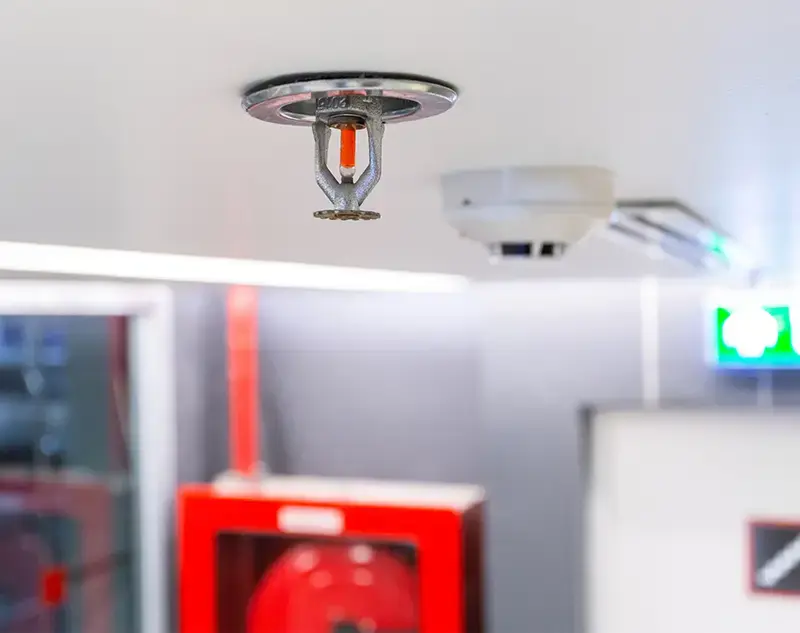
Fire Safety Compliance E-Learning Course
Fire safety legislation places duties on the responsible person, but those duties are discharged through the behaviour of everyone in the building: blocked exits, propped fire doors, overloaded sockets and accumulated waste. A fire risk assessment describes the intended position rather than the actual one. Training all staff is what keeps the two aligned between inspections.

New and Expectant Mothers at Work
Employers must carry out a specific risk assessment once notified of a pregnancy, and pregnancy and maternity is a protected characteristic in its own right. Risks include shift patterns, standing, manual handling and exposure to substances. Making the arrangements visible to the whole workforce means expectant staff know what to expect and colleagues understand why adjustments are made.

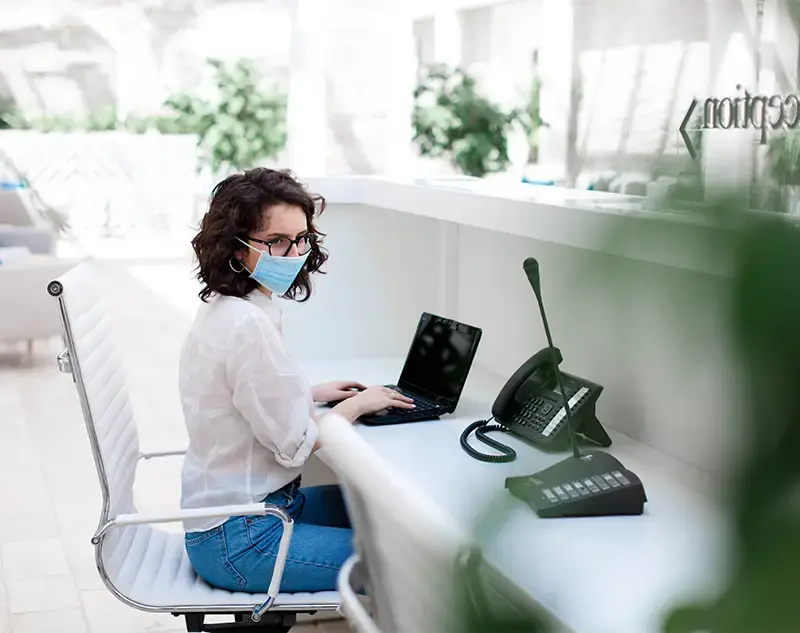
Working Safely
Safety awareness fades between annual courses, and people who have moved role, site or working pattern will be operating on assumptions that no longer hold. Most incidents follow a hazard somebody noticed and did not report. A short refresher keeps that reporting habit alive across the workforce and supports the general duties every employer owes its staff.