Information Security
The loss or theft of commercially sensitive information may damage revenues, reputation and consumer trust. It may result in fines or even criminal prosecution.
Our Information Security Refresher reminds employees about information classification, data security, network security, access control to your offices and what to do prevent information loss or theft.
-
20 Minutes
-
For all staff
-
Based on UK legislation, but suitable for global audiences upon the removal of UK-specific references and translation as necessary
-
Compliance Essentials Library
What you’ll learn in
this course
- Appreciate why information security is critical to our business
- Learn how and why information is classified
- Ensure information security when using the web, emails, and other electronic communications
- Comply with company procedures concerning network access, portable media and devices and physical security
- Promptly report actual or suspected information security breaches
Ready to try this course?
Start your free trial of this course and get instant access today.
Want to explore more courses?
Browse all courses and search by topic to find what matters most to you.
Keep your company secure with cybersecurity trainin
Spot a Phishing Attempt
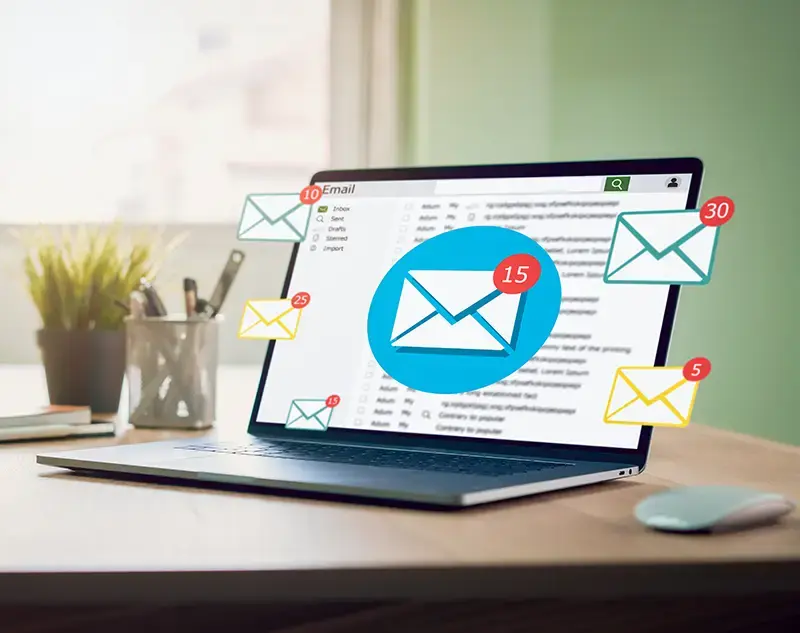
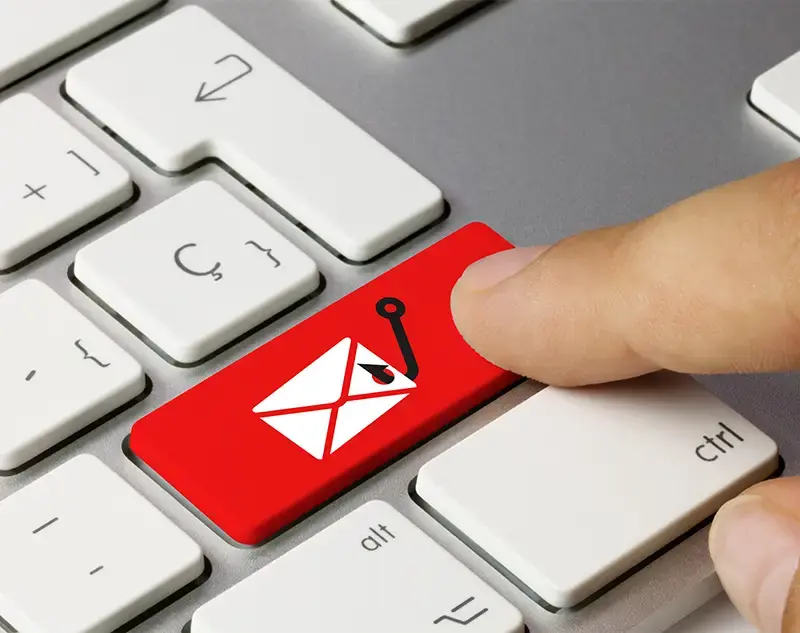
Phishing emails are fraudulent attempts by cybercriminals to trick individuals into revealing sensitive information.
Business Email Compromise
Business Email Compromise (BEC) is a targeted cyberattack where criminals impersonate executives or hack accounts to steal money or sensitive information.
Deepfake Awareness
Deepfakes use artificial intelligence to create fake images, audio or videos that can deceive individuals and organisations.
Understanding Information Security
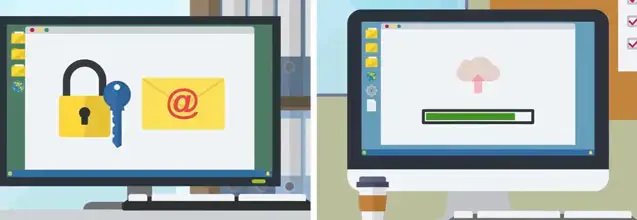
Information security is essential to protect sensitive business and customer data from unauthorised access, breaches and cyber threats.
Common Cyber Threats
Cyber threats such as phishing, malware, ransomware and unsecured networks pose significant risks to businesses.
Zero Trust Cybersecurity
The zero trust cybersecurity model ensures IT systems remain inaccessible by default, requiring strict verification before granting access.
Bring Your Own Device Security
Bring Your Own Device (BYOD) policies offer convenience and flexibility but also introduce cybersecurity risks.
Device Hygiene
Device hygiene is the practice of keeping digital devices secure and free from cyber threats to protect company data and networks.
Malware
Malware is malicious software designed to harm or exploit computer systems, ranging from viruses and ransomware to spyware and botnets.
Ransomware
Ransomware is a type of malware that encrypts files and demands payment for their release, often causing severe financial and operational damage.
Smishing
Smishing is a targeted phishing scam that uses deceptive text messages to gain sensitive information.
Spear Phishing
Spear phishing targets specific individuals with convincing emails designed to deceive them.
Video Conferencing
Video conferencing is a vital business tool, but it also presents security and privacy risks if not used correctly.
Vishing
Vishing is a social engineering attack where cybercriminals use phone calls to trick individuals into revealing sensitive information.
Creating Strong Passwords
Strong password protection is essential to safeguarding company systems from cyber threats such as brute force attacks and password guessing.
Multi-factor Authentication
Multi-factor authentication (MFA) enhances security by requiring users to verify their identity through multiple authentication methods.
Reacting to Password Breaches
Password breaches can lead to unauthorised access, fraud and data theft, often resulting from weak passwords, phishing or insecure networks.
Information Classification
This training helps employees understand different levels of information classification, their restrictions and how to handle data securely.
Information Security on the Move
Handling company information securely, especially when working remotely or traveling, is essential to prevent data breaches and security risks.
Tailgating and Piggybacking
Cybersecurity is not just about digital protection but also involves securing physical access to critical systems.
Secure Web Browsing
Practicing safe web browsing helps to reduce security risks and protect sensitive information.
Supply Chain Cybersecurity
A company’s cybersecurity is only as strong as its weakest link and supply chain vulnerabilities can expose businesses to major breaches.
Transferring Information Securely
Securely transferring information is essential to protect sensitive data from breaches, legal risks and business disruptions.
Using Wi-Fi safely
Wi-Fi connectivity offers convenience but also exposes devices and data to security risks if not properly managed.
Advising Customers on Cybersecurity
Cybersecurity is everyone's responsibility, including guiding customers to protect themselves from online threats.
CEO Fraud
CEO fraud is a type of Business Email Compromise where cybercriminals impersonate executives to trick employees into making payments or sharing confidential information.
Guide to Secure Remote Working
Remote work provides flexibility but also introduces cybersecurity risks that can compromise company data and systems.
Think Before You Click
Clicking on malicious links or attachments is one of the most common ways cybercriminals infect IT systems with malware.
Risks in the Use of AI
This training highlights how AI can be used effectively while identifying and addressing potential risks.
Information Security
The loss or theft of commercially sensitive information may damage revenues, reputation and consumer trust.
Responsible Use of Artificial Intelligence
Companies are committed to ensuring the ethical and responsible use of AI technologies.
Our LMS or yours?
Award-winning LMS
Leverage the award-winning Skillcast Portal to deliver your compliance training, track performance with analytics, and access compliance tools to support and strengthen your compliance programme.
Skillcast Remote Services
If you prefer to use your own LMS, we offer flexible pricing plans and delivery options to suit your unique needs, from off-the-shelf course libraries to fully bespoke solutions.
Bring your courses to life with AI
Boost staff engagement by putting support and just-in-time learning front and centre. Aida delivers instant, reliable answers to compliance questions and recommends policies or training directly within your daily workflow, including MS Teams and soon Copilot. This reduces repetitive queries for your compliance team and helps identify knowledge gaps and risks.
Your questions, answered
Cybersecurity
DORA
Common FAQs
Where can I track incidents involving personal data?
How can I benchmark my team's cybersecurity awareness?
An anonymous cybersecurity awareness survey can assess your team's understanding of critical security practices. Skillcast offers ready-to-use surveys to benchmark awareness levels and identify areas needing extra focus.
How can I benchmark my team's cyber security awareness?
Are Skillcast courses SCORM-compliant?
What other tools are needed beyond training?
Is our training content still compliant with the latest legislation?
- You can check the latest course content updates in our library updates page: https://www.skillcast.com/compliance-course-library-updates
- For major legislative changes, we:
- Send you email alerts to ensure you are notified
- Offer you a free trial of newly created or updated content
- Host webinars with compliance experts to explain the changes and how our training supports your ongoing compliance
Can you translate our content into other languages?
What file types are supported by the Skillcast system?
Features |
Supported file types and details |
|
File Exchange |
File types: PDF, Excel spreadsheets, Word documents, SCORM and xAPI files, and compressed zip files. Max file size: Default is 1GB, can be increased to a max of 2GB |
|
SCORM files |
Versions: SCORM 1.2, SCORM 1.2 for Moodle, SCORM 2004 2nd, 3rd and 4th Edition. Max file size: 1024MB |
|
xAPI file |
Max file size: 2GB |
|
Videos |
File types: MP4 or MOV. Videos must be optimised, with a max file size of 100MB. If the file is bigger, our Design Team can help |
|
Images |
File types: jpg, png and gif. The file size should ideally be 100KB, but it can be up to 250KB |
|
CPD evidence |
File types: Word, PDF, Excel and CSV. File size: the limit should be whatever the portal config option is set to. Servers are set to max 2GB |
|
Policy documents |
PDF or Word File size: the limit should be whatever the portal config option is set to. Servers are set to max 2GB |
|
Offline activities evidence |
File types: PDF, DOC, DOCX, XLS, XLSX, CSV, PNG, GIF, JPEG, JPG, PPTX and MSG. File size: the limit should be whatever the portal config option is set to. Servers are set to max 2GB |
|
Client logo files |
File types provided by client: EPS, PDF, AI and SVG |
|
Registers |
PDF, DOC, DOCX, XLS, XLSX, CSV, PPT, PPTX, POT, PPA, PPS, JPG, JPEG, PJEPG, PNG, BMP, GIF, MP4, MOV, WMV, CPTX, CP, TXT, ZIP and MSG files |
|
Declarations |
JPG, JPEG, PNG, GIF, XLS and XLSX files |